
Good AI Runs Quietly (And Surfaces Exceptions)
The real problem wasn’t the model. It was the prompt.
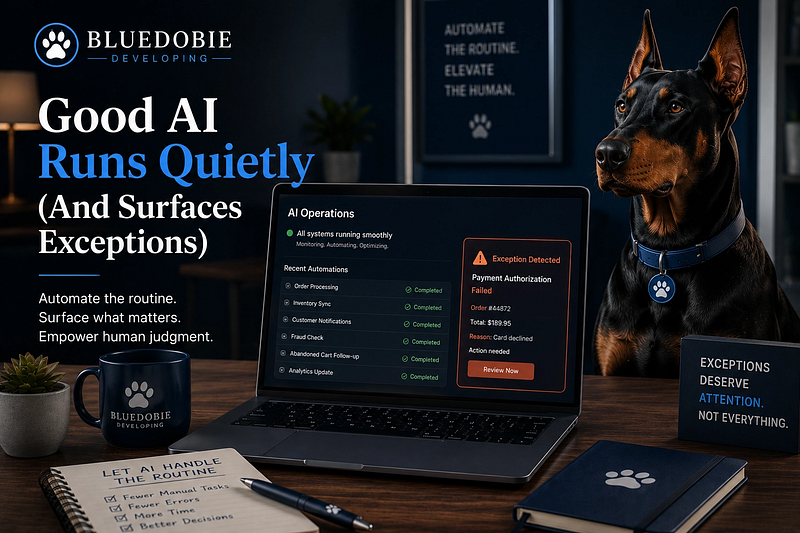
On row eleven, the AI invented a category that didn’t exist.
It didn’t flag the error. It didn’t pause to ask for help. It just moved on, confident in its own fiction. I had spent the morning building what I thought was a “sophisticated” prompt — clear instructions, a few examples, a very specific output format. It worked perfectly for the first ten rows. Then row eleven happened.
This is the Confidence Gap: the space between what an AI system can do and what it will silently get wrong. Most people want AI that does the work for them. I’m looking for AI that does the work with me — and knows exactly when to tap out.
The real problem wasn’t the model. It was the prompt. I had given it no permission to say “I don’t know.” No mechanism to surface uncertainty. I had built a system designed to produce answers, not to identify exceptions.
The Noise of Over-Automation
We are currently in an era of “loud” AI. This is the kind of AI that tries to be your personal assistant, your creative director, and your data scientist all at once. It’s designed to minimize the friction of starting a task, but it often maximizes the friction of verifying the result.
When an AI system is “loud,” it means it is making high-stakes decisions without a clear path for human intervention. It’s a black box that spits out a finished product. If that product is 95% correct, you still have to spend 100% of your energy auditing it. That isn’t a productivity gain; it’s just a shift in the type of labor you’re performing. You’ve traded manual sorting for manual auditing.
The Quiet Principle
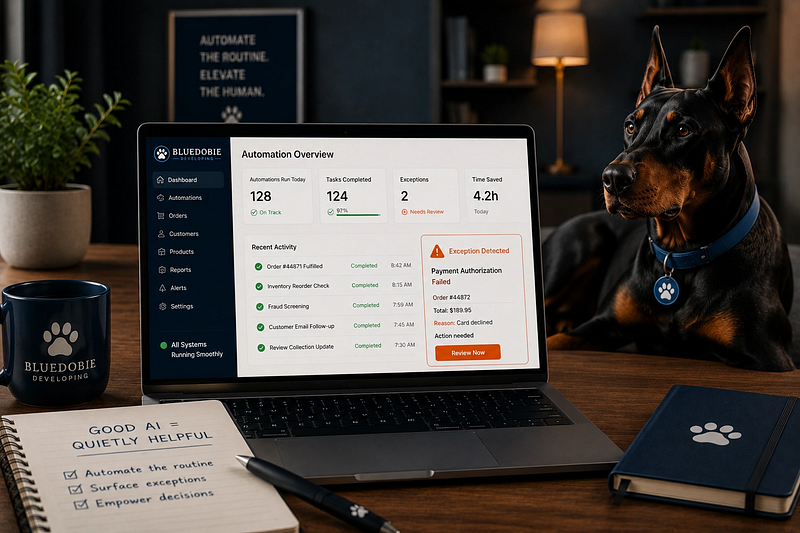
The principle I’m proposing is that good AI should run quietly.
In a well-designed system, AI should handle the high-volume, low-variance tasks — the “grunt work” that drains your cognitive load — while remaining silent about its successes. The moment it encounters a “fuzzy” edge case, a contradiction, or a drop in confidence, it should stop. It should surface the exception.
Think of it like a high-quality power tool. You don’t want a drill that tries to guess where the nail is; you want a drill that tells you exactly when it hits something it shouldn’t.
When we design for “Quiet AI,” we are designing for Ambient Processing. We want the system to hold the heavy lifting of the process, but we want the human to remain the ultimate arbiter of the exceptions.
Architecture for Exceptions
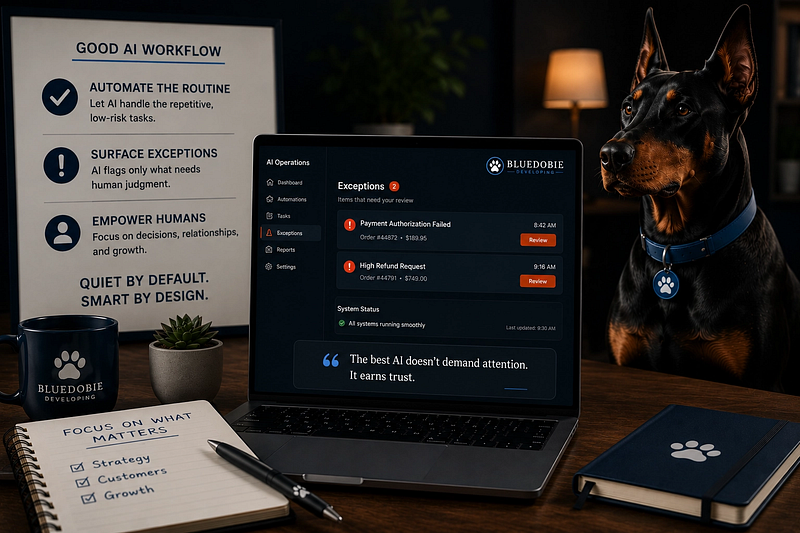
How do we actually build this? It requires moving away from “One Prompt to Rule Them All” and toward a system of gates.
- Confidence Scoring: Instead of asking the AI to “Categorize this,” ask it to “Categorize this and provide a confidence score from 1–10.” If the score is below an 8, the system shouldn’t show you the result; it should put it in a “Needs Review” bucket.
Self-reported confidence isn’t perfectly calibrated — a model can be very confident and very wrong. But forcing it to commit to a score changes its behavior more than you’d expect. It shifts the system from “answer generator” to “risk assessor.”
- The “I Don’t Know” Option: We often force AI into a corner where it has to give an answer. We need to explicitly give it permission to say, “This doesn’t fit my instructions.” A system that admits it’s confused is infinitely more useful than a system that lies to be helpful.
- Human-in-the-Loop by Design: Rather than checking everything at the end, build “checkpoints” into the workflow. In my Bifrost routing system, when a prompt classification falls below a confidence threshold, the system doesn’t guess. It surfaces the ambiguous item to a review queue where I can confirm the route or redirect it. The checkpoint isn’t a bottleneck — it’s a filter. Ninety percent of traffic flows through automatically. The ten percent that pauses is exactly the ten percent that would have caused a downstream mess.
Yes, this is slower than full automation. Every gate adds latency. Every review queue requires a human moment. That’s the trade. You buy speed with accuracy, or you buy accuracy with attention. Most businesses think they want speed. What they actually need is not having to clean up a hallucination at 11 PM on a Sunday.
When Loud AI Is the Right Choice
This doesn’t mean all AI should be quiet. There are moments when you want the system to be generative, surprising, and loud.
When you’re brainstorming. When you’re exploring. When you’re writing a first draft and you want the model to throw ideas at the wall. In those phases, the “loud” mode is exactly what you need — a creative partner that fills the blank page.
The distinction is intentionality. Loud AI for exploration. Quiet AI for execution. The danger isn’t volume. It’s using the wrong mode for the wrong phase.
Reducing the Mental Load
The goal here isn’t to maximize the number of tasks the AI completes. The goal is to maximize the amount of work you can do without feeling exhausted by the process.
When a system runs quietly, it builds trust. You stop worrying about the “hallucination of the day” because you know the system has a safety valve. You can focus on the complex, creative, and high-judgment parts of your job — the things that actually require a human — while the AI handles the steady hum of the background.
We don’t need more “revolutionary” tools. We need systems that respect our capacity. We need AI that knows when to work, and more importantly, when to step back and let us take the wheel.
If this piece helped you think differently about work, systems, or building a life that can hold real human limits, follow Bluedobie Dialogues for more essays on sustainable business architecture, practical workflows, and the human side of building things.
Melanie Brown is the founder of Bluedobie Developing, a rural Kentucky-based SaaS and web development company, and the creator of DobieCore — an AI content platform engineered to give small business owners professional results without the prompt engineering learning curve. She writes the Bluedobie Dialogues series about systems thinking, sustainable business architecture, and what durability actually looks like in practice.